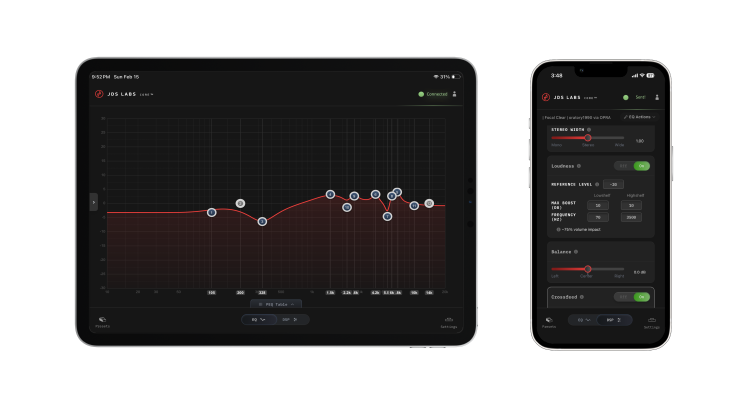
Element IV firmware v1.7.4 is now available and I’m excited to share that Core for iOS has arrived in the App Store!
Because this release took longer than planned, firmware v1.7.4 contains extra improvements completed along the way:
USB Communication
We expected to release Core for iOS much sooner, given how easily Core for Android came together. The delay stemmed from my misinterpretation of Apple’s documentation, in which I believed it would be possible to write a custom USB serial driver for iPadOS 16+. It wasn’t. After weeks of stalled progress, I hired a developer with more experience, and he proved me wrong within a week (thanks, Vishnu!). Together, we pivoted to a known iOS workaround, using USB MIDI for communication. JDS Labs registered a SysEx ID with the MIDI Association and preliminary firmware support was completed within two short weeks.
Firmware continues to use a virtual serial port for web and desktop Core connections. Internally, Element IV speaks the same protocol whether connecting through USB MIDI or through a serial port. There’s nothing to configure at your end, aside from installing the latest firmware. It just works!
Core for iOS
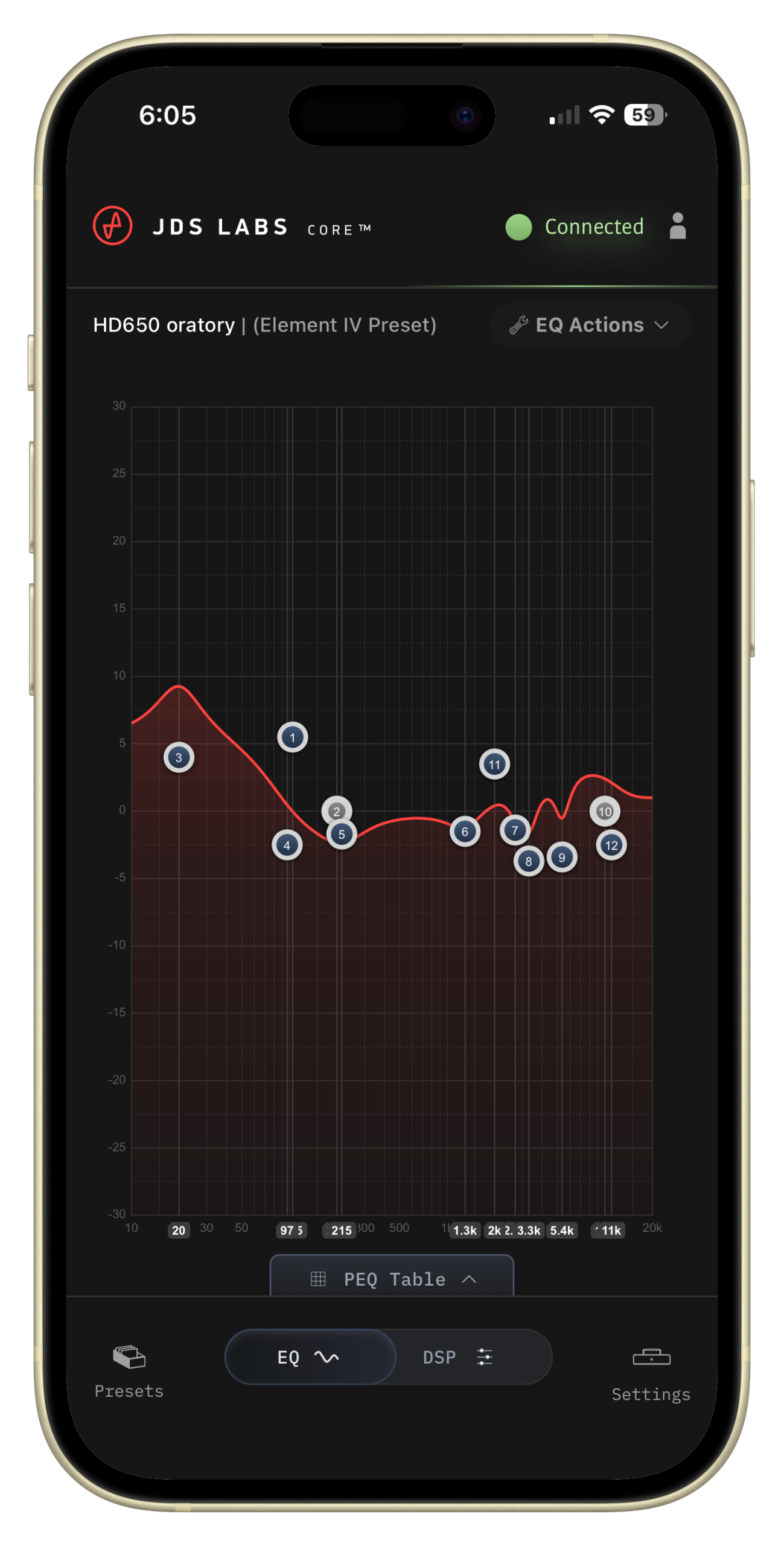
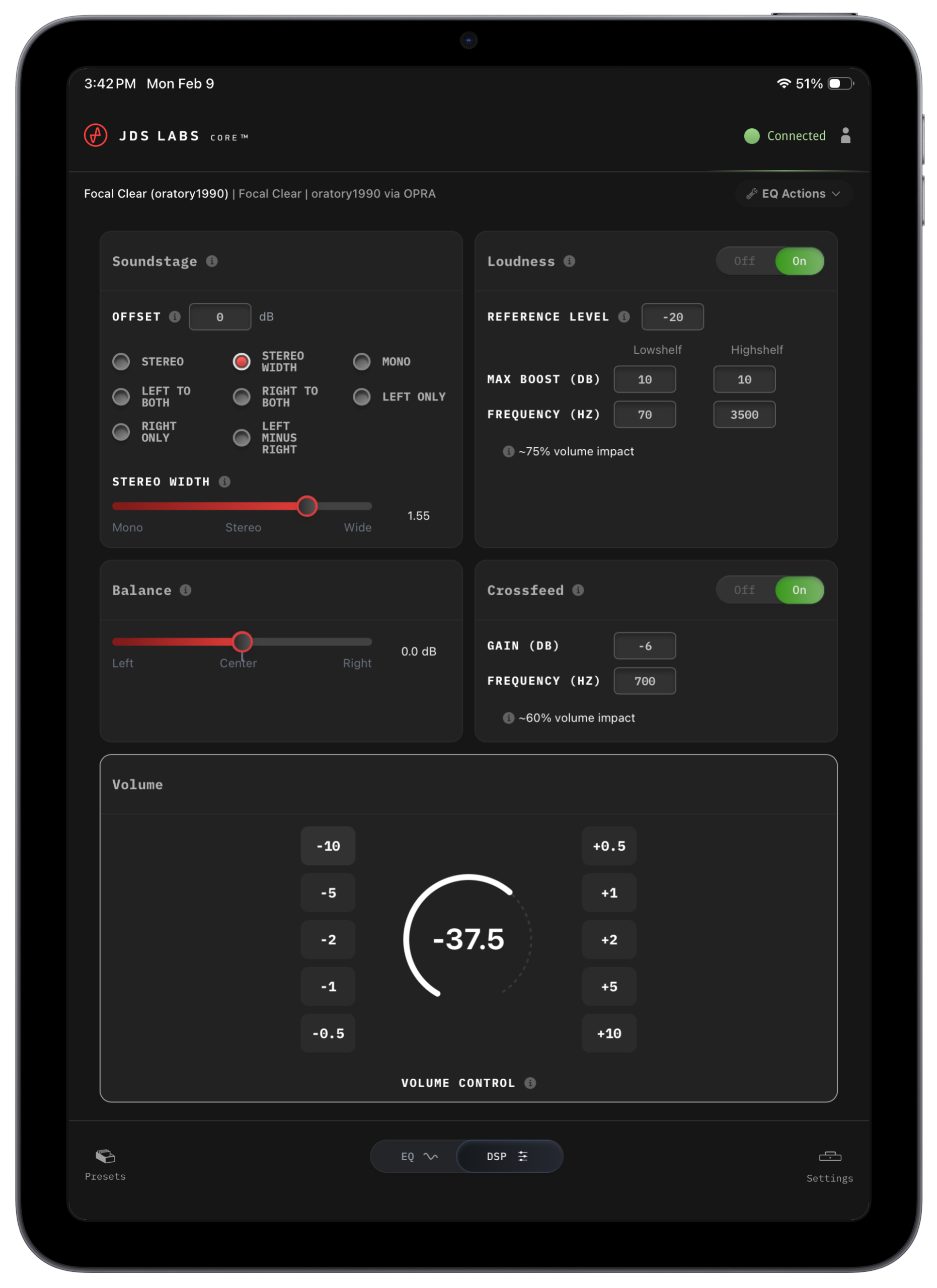
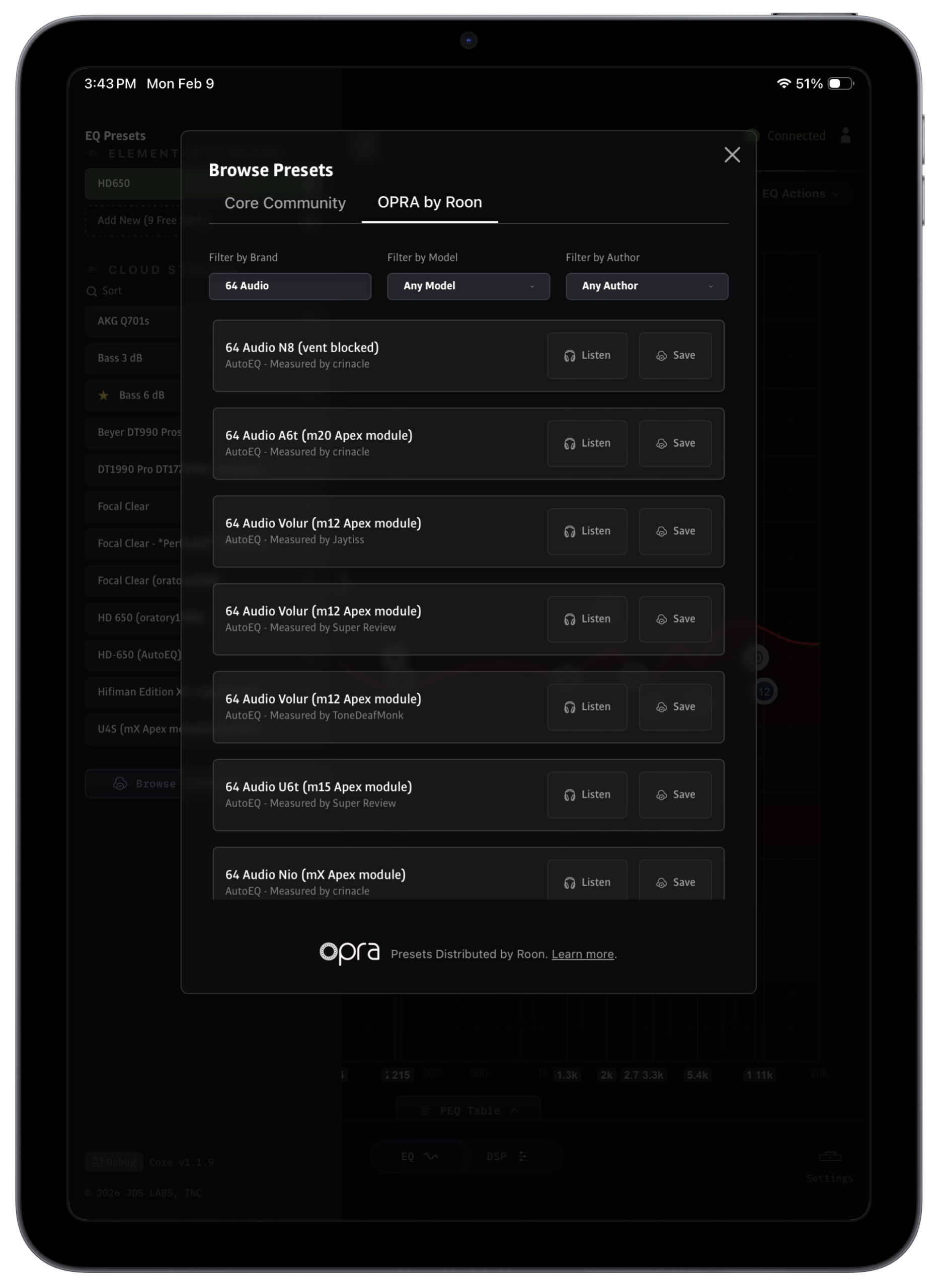
Core for iOS supports all modern iPhones and iPads back to iOS 15. You can connect with any common USB C cable to recent iPhones/iPads. For older Lightning devices, you’ll need an Apple Lightning-to-USB adapter.
We also devoted extra time to making the Core interface more mobile-friendly. Those same changes have been backported to Android, and we liked the new EQ Canvas / DSP flip toggle so much that we brought it to the web and desktop builds of Core as well.
New OLED Layout
Volume now appears in a larger font and you can choose between Regular or Bold from the options menu. To improve mode visibility, we replaced the “VOL” label with the current output mode (“HP” or “RCA”), also in a larger font.
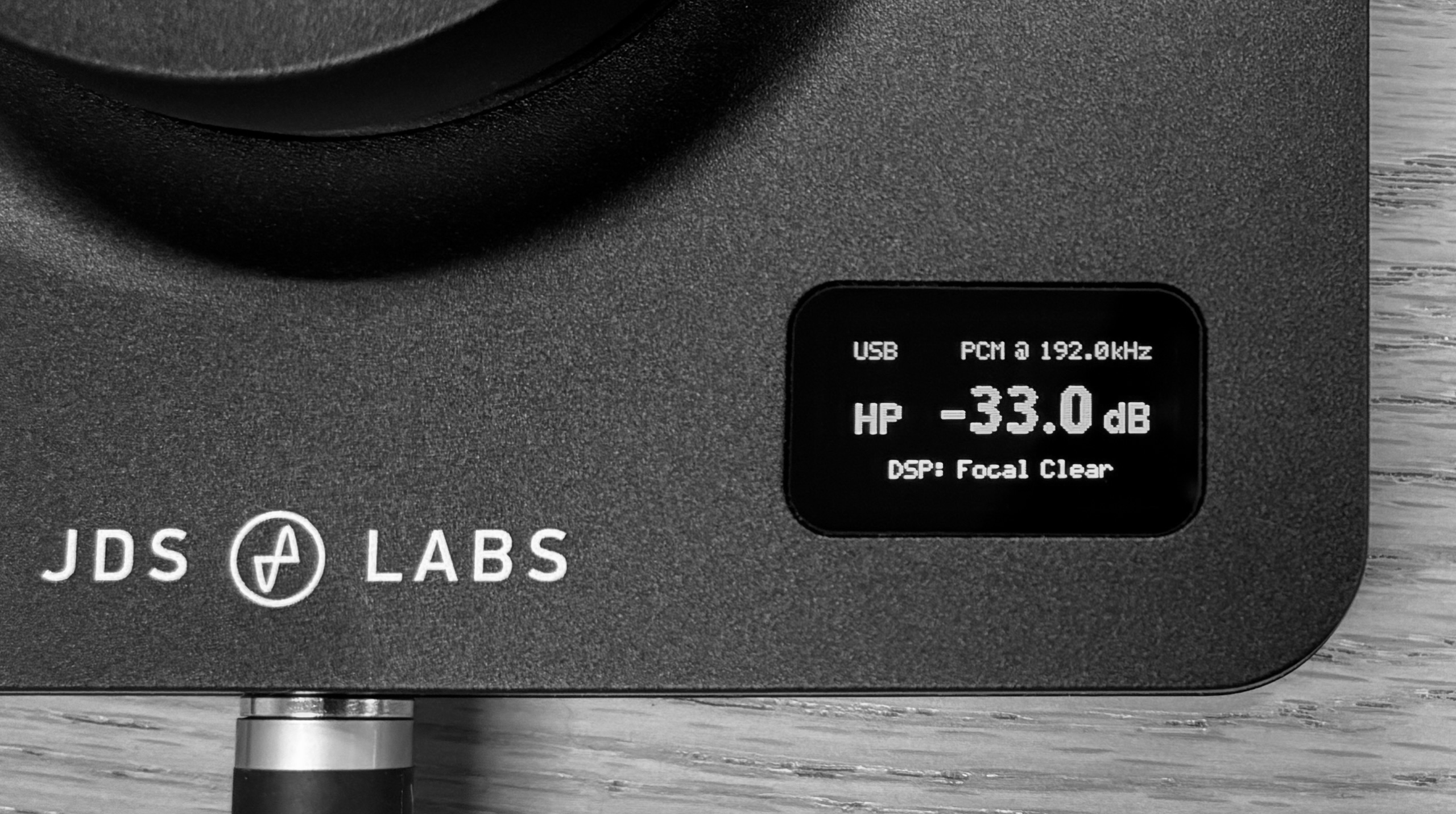
Moving output mode freed an entire line, so Element IV can now display the current state of DSP, Loudness, Crossfeed, and Soundstage settings rather than a generic “DSP Active” status.
DSP Profiles are alphabetically sorted in the OLED menu, and the screen wakes upon sample rate changes.
Let us know what you think!

Terrific update John, as I mentioned on Head-Fi, even if I won’t personally be using the iOS/iPadOS apps any time soon.
While we’re on the subject of firmware updates, in my experience each and every time a new firmware has been released, the update has failed on the first attempt. This scared me the first time it happened but I have since learned to expect it, and the update is always successful after power cycling my Element IV, as suggested in the update instructions.
Is there anything I can do to ensure a successful first attempt, or at least improve my odds?
Thanks, Gary. We added a brief FAQ item on this matter. Glad you’ve found a simpler workaround! Certainly reach out if you would like us to swap the flash IC.
Edit: We’ve added a beta build v1.5.3 to Core which solves rare cases of stalled or failed updates. There were two causes at play:
1. Some flash ICs are slower to erase than others.
2. The WinUSB driver throws a non-recoverable STALL error when the erase cycle takes too long. macOS and Linux drivers wait gracefully.
Build 1.5.3 informs the host that erase cycle may take up to 10 seconds, preventing a stall.
Thanks John. I use macOS exclusively. I’ll consider the flash IC replacement but for now I think I can live with the relatively minor inconvenience I described. Firmware updates aren’t exactly a daily occurrence. 😊
Unless, of course, my experience portends a permanent failure to update and bricking of my Element IV at some point in the future.
@Gary – Since the audio device and update device are unique, you may see a macOS permission prompt when the DAC reboots into update mode for the first time, and depending on timing, it can be necessary to power cycle the DAC with full macOS permission. macOS resets device permissions from time to time. No worries!
Please ignore (or remove) my previous comment. It looks like I’ve misunderstood that the new beta firmware only has relevance for Windows users.
@Gary – Correct, the flash improvement impacts only a small number of Windows users. I’ll followup with you via email. Yes, we’ll merge the improvement into v1.7.5+.
This also happens to me on every firmware update. One of the only complaints I have with this awesome product.
It’s reassuring to hear I’m not the only one. And I echo your other comment.
Amazing update once again! Thank you for the continous development of the ElementIV. I hope you will have a lot of success with this product. I llve it and it keeps getting better!
Shhh! Don’t tell John he could be making way more money! Now all we need is a JDS DAC/AMP dongle running Core 🙂 Keep up the great work!
This would be cool.
A speaker amp in an Element chassis would also be really cool.
Thank you!
Just wanted to add the following after using the Core iOS app for a while:
It’s very nicely executed. Everything is where you’d think it would be… very intuitive with nothing irritating or overly complex. It makes the Element a truly outstanding product. Using it with the current iPad Mini and the app works flawlessly for me.
Hi there!
Looks great! can we expect the screen font update for the the Element III?
Thanks
Hey, maybe! Element III onboard flash memory was at 99% last I checked, so even a font update may be impossible. We shall check.
Edit: Sorry, not possible. The larger font and layout consumes 2 kB and Element III had only 1 kB free space. From the compiler:
Thanks for checking!
I just updated to latest firmware and now I’m having trouble updating any settings either on the web or on the desktop app (have not tried iOS). It shows “Error getting device settings” in a popup message. In the dev console, it shows “Device: command timed out”
Sorry about that! This is rare, but may happen from settings corruption during the flash upgrade. A Factory Reset will solve (long press knob –> Factory Reset).